🎬
Drop images or video here, or browse
Images: JPG PNG GIF WEBP | Video: MP4 MOV (max 50MB)
Ready
Sign in to your SNAP 7 account and keep snapping.
Let's set up your artist profile
Start with your photo. First impressions matter.
CLOONEY writes your captions. Help them sound exactly like you.
BRANDY adds your CTA to every post automatically.
Read and sign before connecting your platforms.
Connect the platforms you want SNAP 7 to post to. Skip any and connect later in Settings.
Click below to connect your Facebook Page. SNAP 7 will handle the rest automatically.
Connect Facebook first — Instagram connects automatically through the same flow.
Connect your Threads account via Meta OAuth. You'll be redirected to Threads to authorize SNAP 7.
Go to bsky.app → Settings → App Passwords and create one for SNAP 7.
Click below to connect your YouTube channel. SNAP 7 will handle the authorization automatically.
Click below to connect your TikTok account. SNAP 7 will handle the authorization automatically.
Your team is live. BRANDY runs the show.
CLOONEY writes in your voice. One snap. Seven platforms.
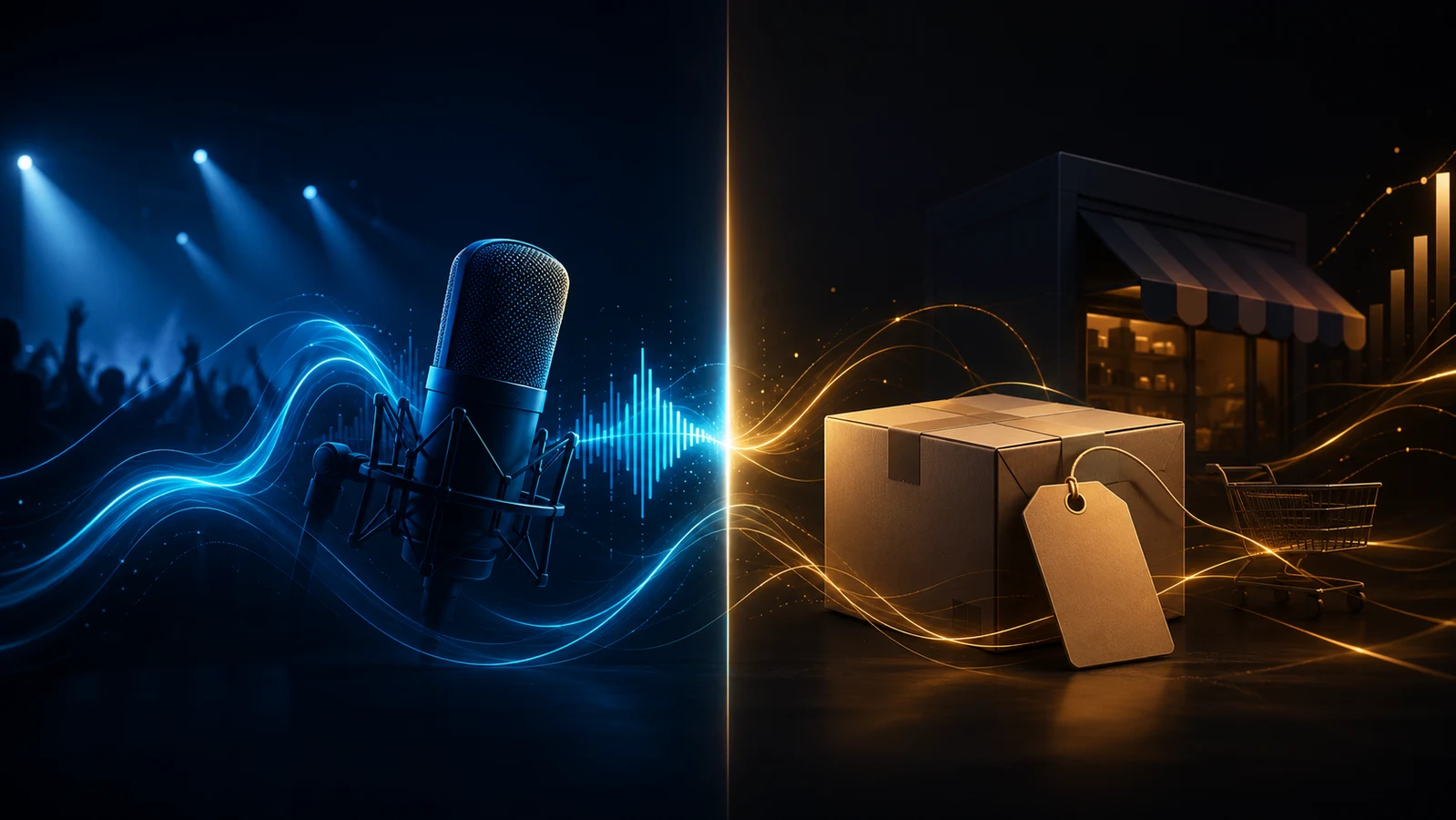
One account. Two ways to snap. Pick your lane.

Click any agent to start a conversation or fire a mission.


One post. Seven platforms. Let BRANDY run the pipeline.
AUTO PILOT
Set up reusable posting queues. Add a post to your queue and it automatically fires at your next available slot.
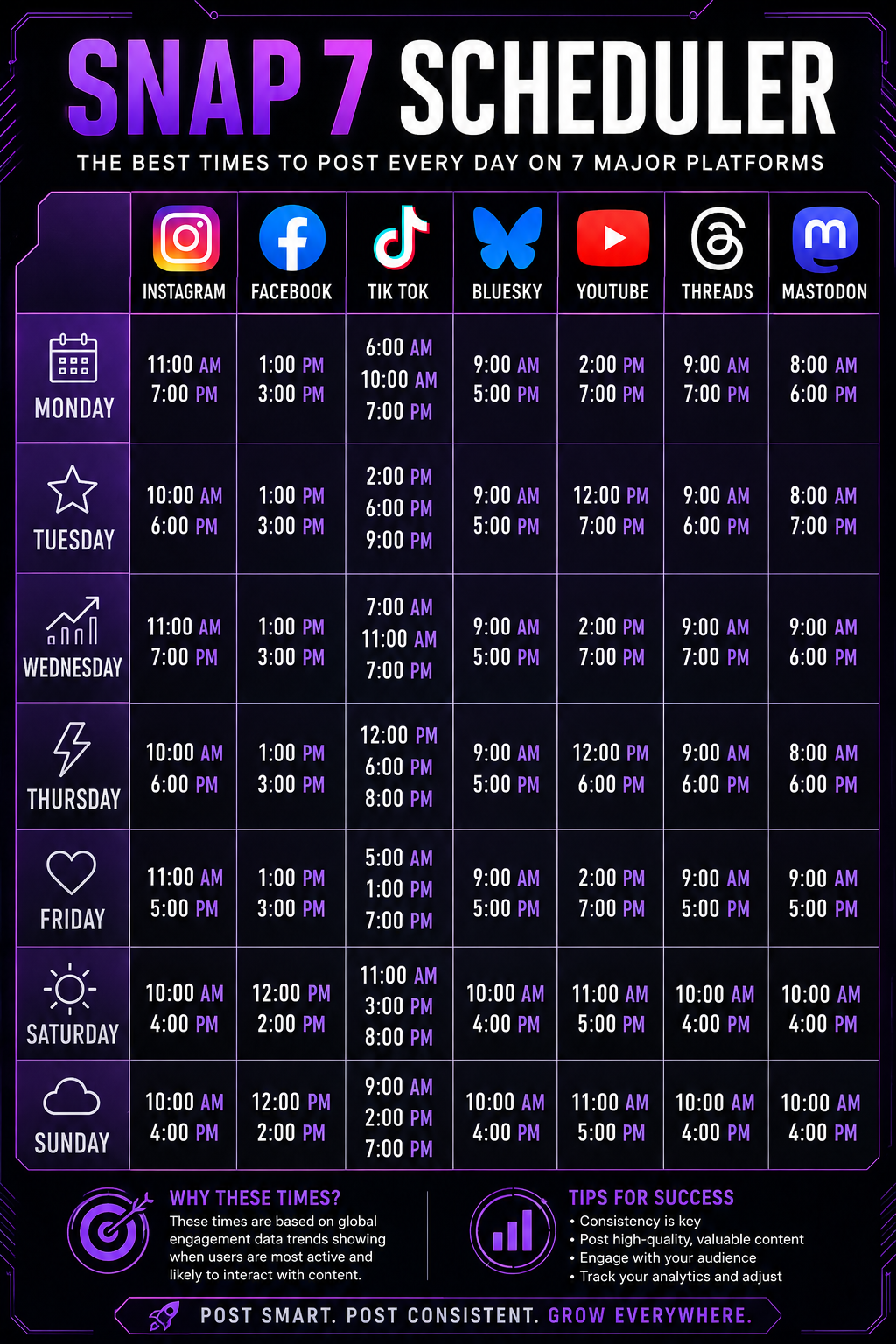
No posts yet. Snap your first post to see history here.
The more you fill this in, the more precisely BRANDY, CLOONEY, HASHY, and KEEPIN IT REELS write for you — not for a generic creator. A hip hop artist from Halifax sounds nothing like a country artist from Nashville. Build your context and the agents will know the difference.
Teach BRANDY, CLOONEY, HASHY and KEEPIN IT REELS how you write. Bring in your own past Facebook and Instagram posts and SNAP7 learns your words, emojis, hashtags and energy — so new captions sound like you, not a robot.
Queue setup has moved to its own page for more room to work with.
Click below to log in with Facebook and authorize SNAP 7 to post on your behalf. This also connects Instagram and Threads if you have a Business account linked.
Connect your Threads account via Meta OAuth.
Go to bsky.app → Settings → App Passwords and create one for SNAP 7.
Works with any Mastodon server — you'll approve SNAP 7 on your server's own page, then come right back.
On your server → Preferences → Development → New Application, grant write:statuses and write:media, then paste the token.
Click below to log in with Google and authorize SNAP 7 to post to your YouTube channel.
Click below to log in with TikTok and authorize SNAP 7 to post to your account.
Sign out of SNAP 7 on this device.
| Artist | Genre | City | Joined | Posts | Status |
|---|---|---|---|---|---|
| No artists yet | |||||